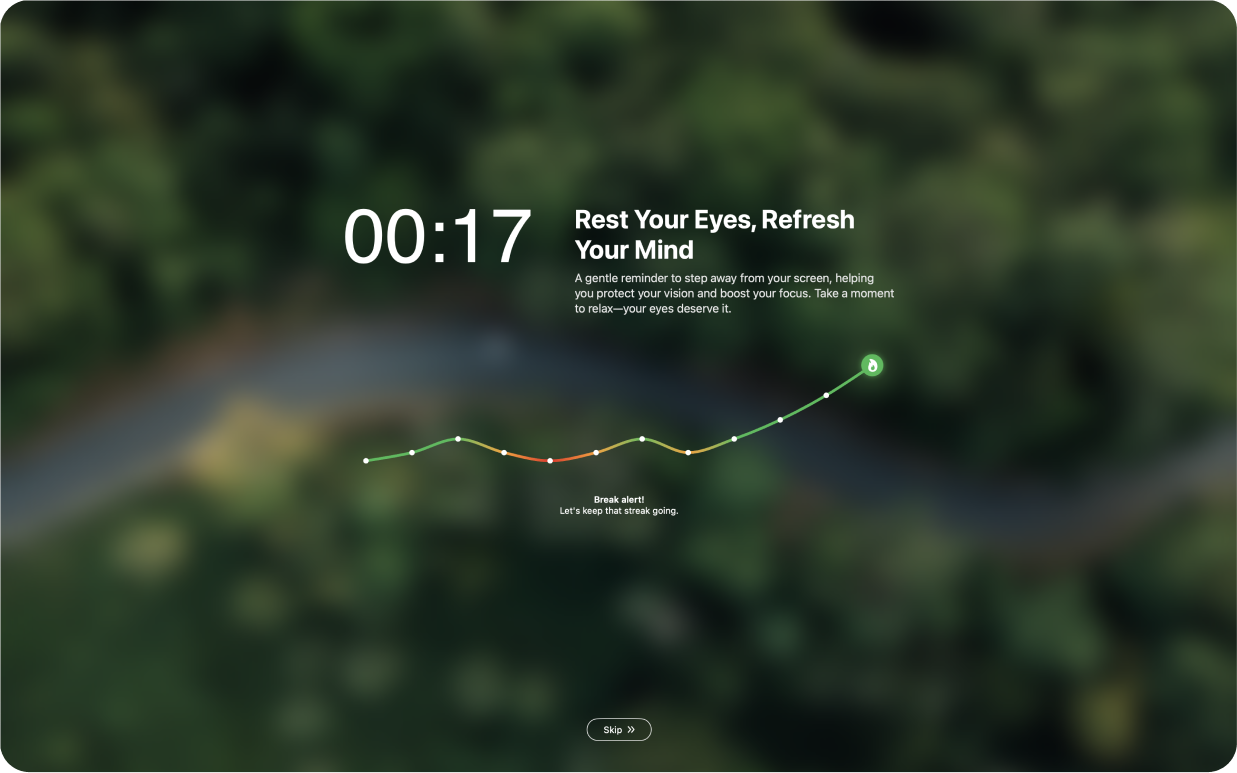
DeskRest 1.15.0: Finally, Breaks That Work With Your Actual Work Life

You know that moment when the break reminder pops up and you're like “seriously, right now?” You're in the middle of debugging something, or you're 2 minutes from finishing a paragraph, and you just... skip it. Again.
I've been there. We've all been there. And honestly? That's fine. Life happens.
But here's the thing: after talking to a bunch of you, I realized we needed something different. Some people want breaks they can skip when things get crazy. Others need the app to basically force them to step away (because let's be real, we're not great at being our own health police).
So here's what's new: Break Commitment. Three modes, you pick what works for you.
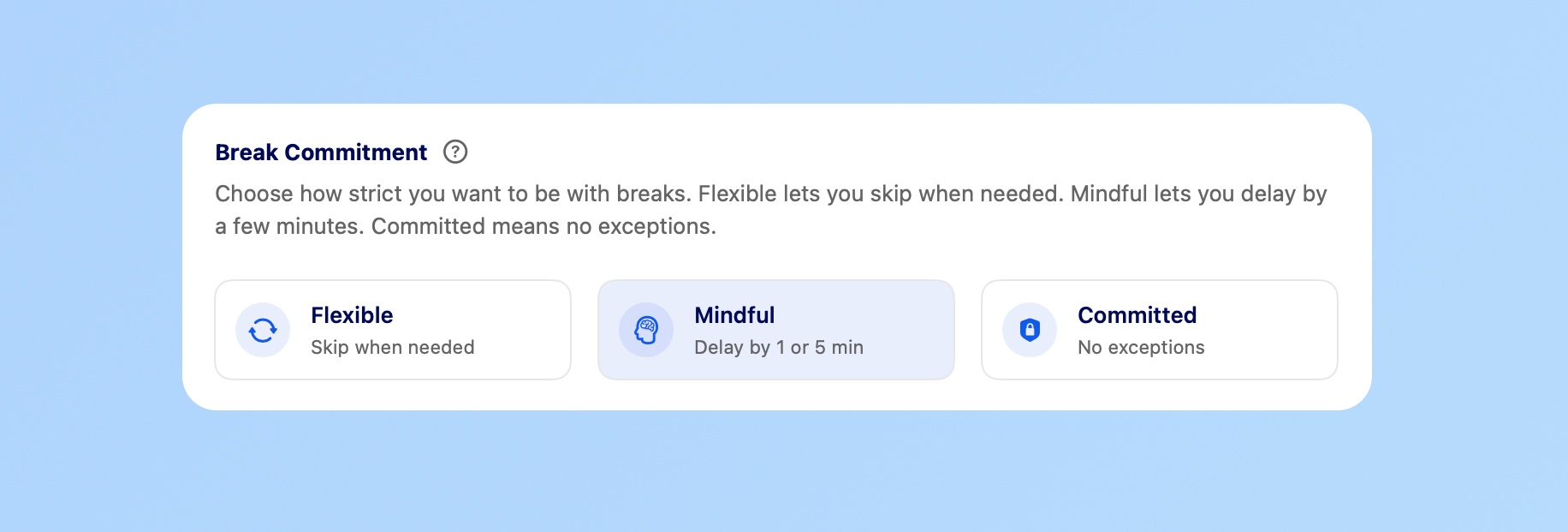
The Three Options
Flexible - Skip Breaks When You Need To
Got a deadline? Skip it. Important meeting? Skip it. The reminder's there, but you're the boss. This mode gives you complete control to skip breaks whenever necessary, no questions asked.
Mindful - Can't Skip, But You Can Delay
Can't skip, but you can delay by 1 or 5 minutes. Just enough time to finish your thought without totally ignoring the break. This is probably what most people will use – it provides structure while respecting your workflow.
Committed - No Escape
No escape. No delays, no skipping. When the break comes, it comes. Good if you know you'll make excuses otherwise (I definitely would). Perfect for those who need strict accountability.
Finding Your Mode
Not sure which mode to choose? Here's a quick guide:
- Choose Flexible if: Your schedule is unpredictable, you handle urgent requests frequently, or you work in a fast-paced environment where interruptions are common.
- Choose Mindful if: You want structure but need flexibility, you tend to “just finish one more thing,” or you're building healthier work habits gradually.
- Choose Committed if: You consistently ignore break reminders, you're recovering from burnout, or you know you need external accountability to maintain healthy boundaries.
Other Improvements
Also improved dark mode readability (sorry it was rough before), added Tab/Enter navigation on break screens, and threw in support for Perplexity's Comet browser.
Additional enhancements in this release:
- Improved Dark Mode: Better contrast and readability across all break screens
- Keyboard Navigation: Use Tab and Enter to navigate break controls without reaching for your mouse
- Browser Support: Added detection for Perplexity Comet browser to ensure seamless video detection
What This Means for Your Workflow
The beauty of this update is that you can adjust your approach as your work life changes. Starting a busy project week? Switch to Flexible mode. Finding yourself skipping too many breaks? Try Mindful. Need a reset? Go Committed for a while.
There's no single “right” way to take breaks. What matters is finding a system that you'll actually use – and that's different for everyone.
Elevate Your Workday with DeskRest
Experience a transformative approach to your daily work routine. DeskRest seamlessly integrates into your workflow, offering intelligent break reminders, posture alerts, and focus-enhancing tools. Boost your productivity, protect your well-being, and enjoy a more balanced work life.