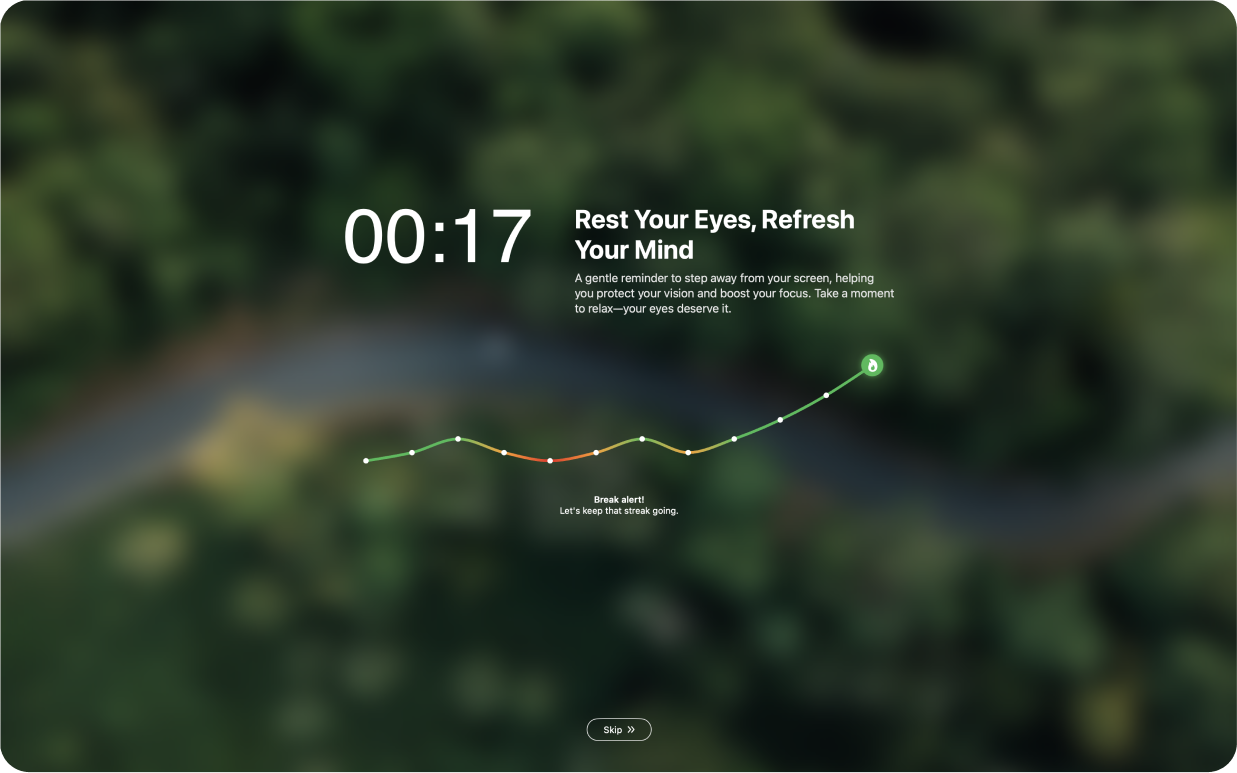
DeskRest 1.17.0: Focus Filters – Breaks That Adapt to Your Work

Introducing Focus Filters
DeskRest 1.17.0 connects directly to macOS Focus modes. When you activate “Do Not Disturb,” “Deep Work,” or any custom Focus mode, DeskRest automatically pauses. When you turn it off, breaks resume. Zero manual management.
In Practice:
- Deep Work Session: Activate Focus mode → DeskRest pauses → Two hours of uninterrupted flow → Deactivate Focus → Breaks resume
- Routine Tasks: No Focus mode active → Regular breaks keep you healthy during email, admin work, and browsing
Setup in 60 Seconds
- Open System Settings → Focus
- Select any Focus mode (Work, Do Not Disturb, or custom)
- Scroll to Focus Filters → Add Filter → DeskRest
- Enable it
Done. Every Focus mode activation now automatically pauses DeskRest.
Why This Changes Everything
The best wellness tool is one you actually use. Before Focus Filters, you had to choose: let breaks interrupt important moments, or constantly pause/unpause manually (which you eventually stop doing).
Now DeskRest understands your work context. It respects deep work. It steps aside during meetings. It protects your health during routine tasks.
It's workplace wellness that works with your workflow, not against it.
Also New in 1.17.0
- Siri Shortcuts: "Hey Siri, start DeskRest" – hands stay on keyboard
- Better License Management: Smoother activation/deactivation flow
- Refined Working Hours: Easier setup for your workday boundaries
- Smarter Start Times: First break happens at the right moment
Get Started
Existing users: Update to 1.17.0 and spend two minutes setting up Focus Filters for your common work modes.
New to DeskRest? This is the perfect time to start. Get the health benefits of regular breaks without workflow friction.
Your flow state and your posture can finally coexist.
Elevate Your Workday with DeskRest
Experience a transformative approach to your daily work routine. DeskRest seamlessly integrates into your workflow, offering intelligent break reminders, posture alerts, and focus-enhancing tools. Boost your productivity, protect your well-being, and enjoy a more balanced work life.