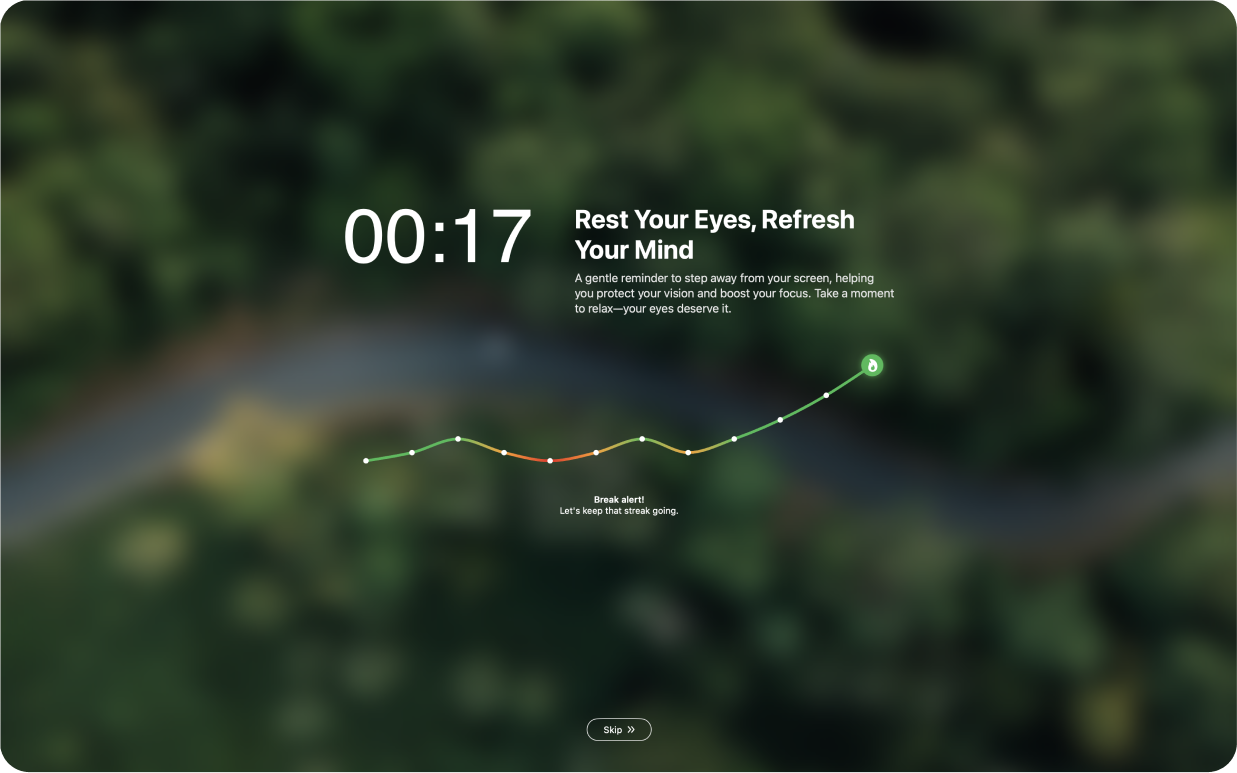
DeskRest 1.19.0: Ignore Apps in Video Detection

Video detection pauses your breaks while you watch something, so a reminder doesn't cut into a movie or a tutorial. That is great for a video you chose to watch, but not every app that plays video is something you want to protect. With 1.19.0 you decide which apps video detection should ignore.
Choose Which Apps Video Detection Ignores
Under Video Detection there is now an Ignore Apps list. It shows the video apps DeskRest knows about, each with a toggle. Switch an app on and DeskRest will not pause your breaks when that app plays video. If an app is missing, you can add it yourself.
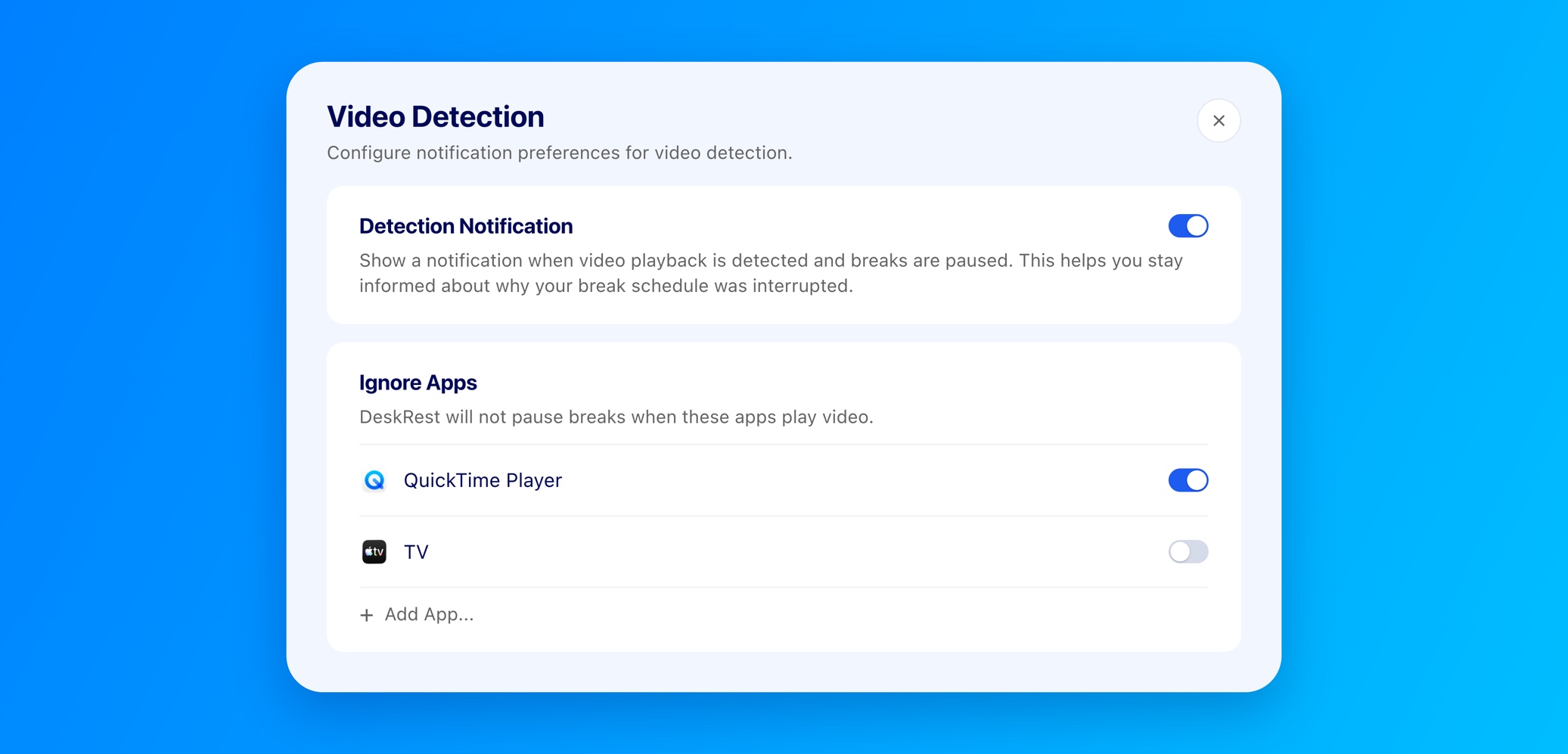
How to set it up:
- 1.Open Settings > General > Smart Breaks.
- 2.In the Video Detection card, click Configure. Video Detection needs to be turned on for this.
- 3.In the Ignore Apps list, switch on every app that should not pause your breaks.
- 4.Not in the list? Click Add App... and pick the app from your Applications folder.
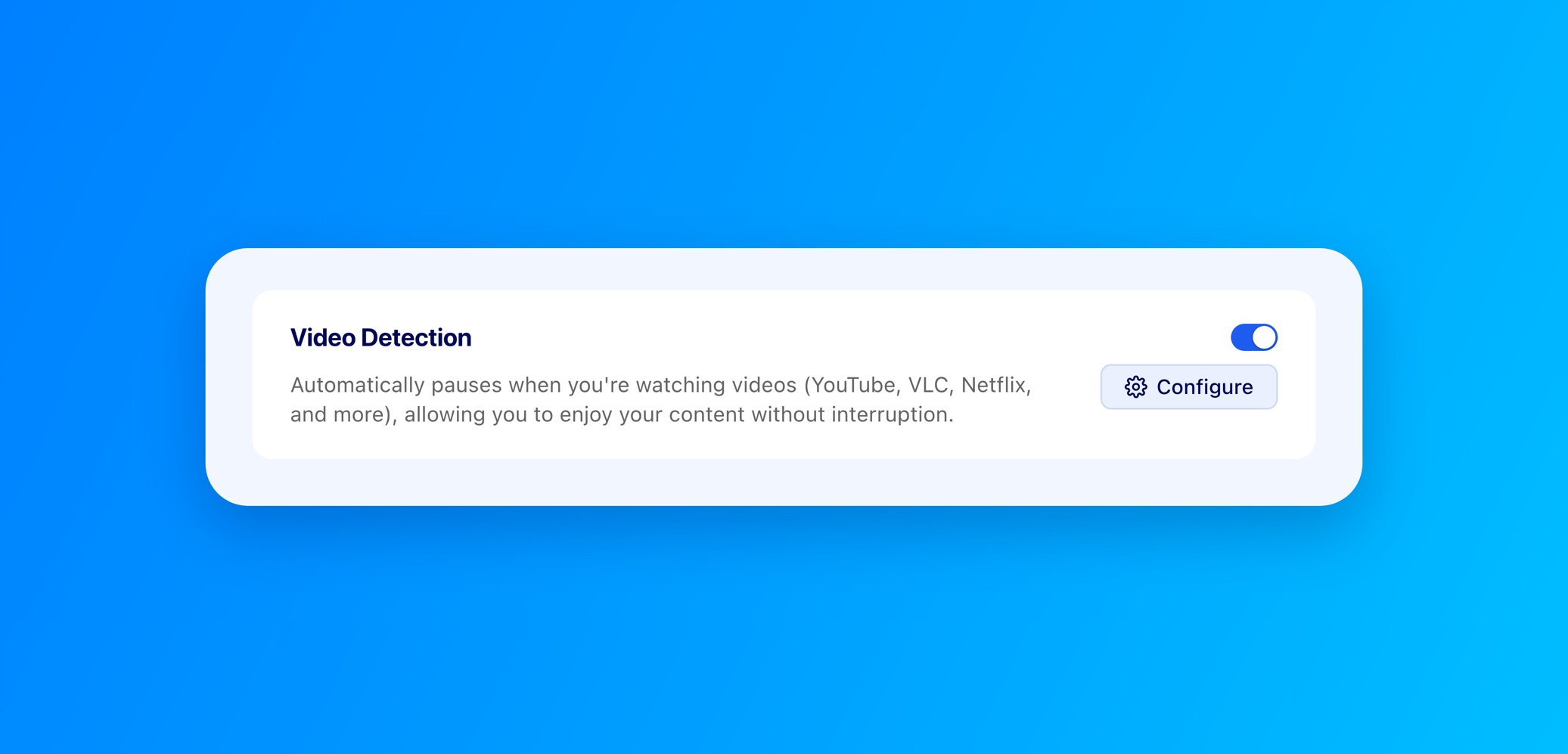
Changes apply right away. You don't need to restart DeskRest. If you want a reminder of why your breaks were paused, the video detection notification is in the same sheet. Video detection itself started in DeskRest 1.3.0.
Also New
- Focus in German: The Focus settings are now fully translated into German. More about Focus in the 1.17.0 post on Focus Filters.
- Exercises settings: The empty state is cleaner and centered when you haven’t added any exercises yet.
Fixed
- Rare crash: A few users hit a crash caused by the database. It was rare, but it is fixed.
Version 1.19.1 followed with two more fixes: the fullscreen chart no longer cuts off the last data point at the edge, and long breaks now show the right exercise text and the correct label on the break type card. I recommend 1.19.1 or newer.
If there is a video app that still pauses your breaks when it shouldn't, tell me. You can reach me on Discord or through the feedback page.
Elevate Your Workday with DeskRest
Experience a transformative approach to your daily work routine. DeskRest seamlessly integrates into your workflow, offering intelligent break reminders, posture alerts, and focus-enhancing tools. Boost your productivity, protect your well-being, and enjoy a more balanced work life.