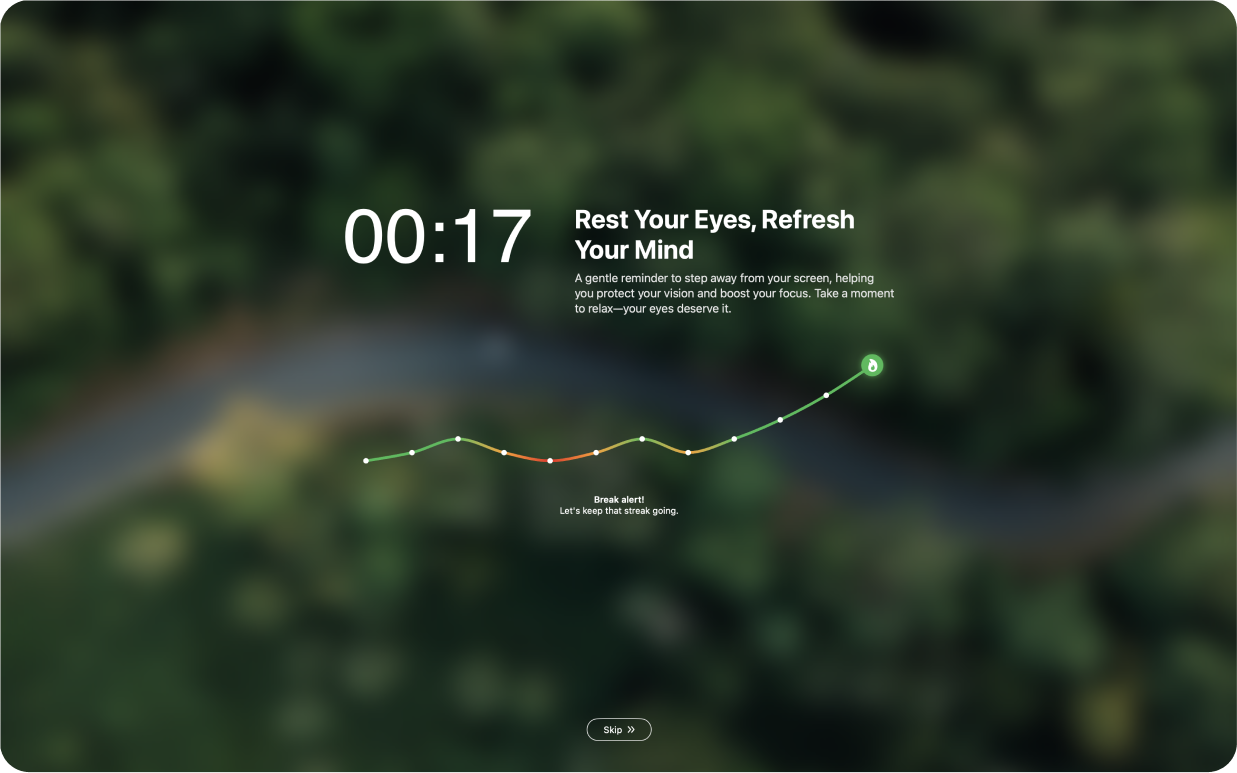
DeskRest 1.21.0: Custom Break Sounds

A sound at the start and end of a break is often the thing that actually gets you to look up from the screen. Until now, DeskRest could play a sound, but you had no say in which one. With 1.21.0 you choose the sound yourself, for the start and the end of a break separately, and you can even use your own audio file.
Pick Your Own Break Sounds
Next to each sound toggle there is now a small selector showing the current sound, plus a play button to hear it right away. The selector opens a list with three groups:
- DeskRest Sounds: the default sound you already know.
- System Sounds: the sounds that come with macOS.
- Your Sounds: audio files you upload yourself, up to 5 MB and 10 seconds long.
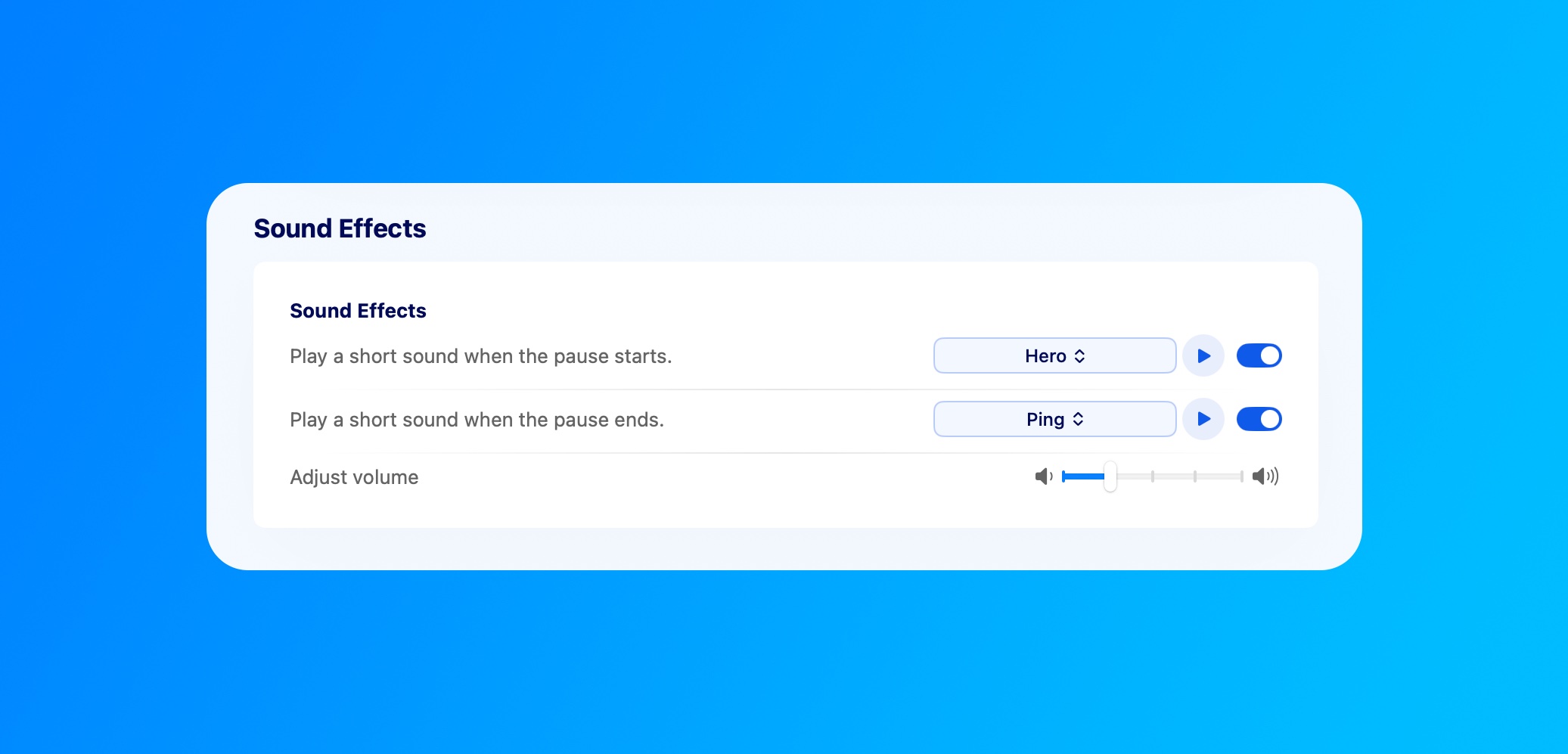
The list stays open while you click through it, so you can compare a few sounds before you settle on one. If a file can't be used, for example because it's too large or too long, DeskRest now tells you why instead of silently ignoring it.
How to set it up:
- 1.Open Settings > Breaks > Sound Effects.
- 2.Turn on Play a short sound when the pause starts and/or Play a short sound when the pause ends.
- 3.Click the sound name next to the toggle and pick a sound from the list.
- 4.To use your own file, click Upload Sound at the bottom of the list. The uploaded sound is selected right away.
- 5.Use the play button to preview it and the volume slider to adjust how loud it is.
A few ideas: a calm tone to start the break and something brighter to bring you back, or a sound you recognize instantly even with headphones on and music playing.
Fixed
- Focus stuck as active: If a Focus was turned off while DeskRest wasn't running, the app could keep acting as if the Focus was still on. DeskRest now checks this on launch and corrects it. More about Focus support in the 1.17.0 post on Focus Filters.
- Slower over time: DeskRest used a little more memory and CPU after every break, so the longer it ran, the heavier it got. That leak is gone.
If you try the new sounds, I'd love to hear which ones you ended up with, or what you'd still like to change. You can reach me on Discord or through the feedback page.
Elevate Your Workday with DeskRest
Experience a transformative approach to your daily work routine. DeskRest seamlessly integrates into your workflow, offering intelligent break reminders, posture alerts, and focus-enhancing tools. Boost your productivity, protect your well-being, and enjoy a more balanced work life.