Focus Filters
Sometimes you're in a flow state where even a healthy break feels like an interruption. Instead of manually pausing DeskRest every time you start a deep work session or jump into a meeting, you can let macOS handle it for you using Focus Filters.
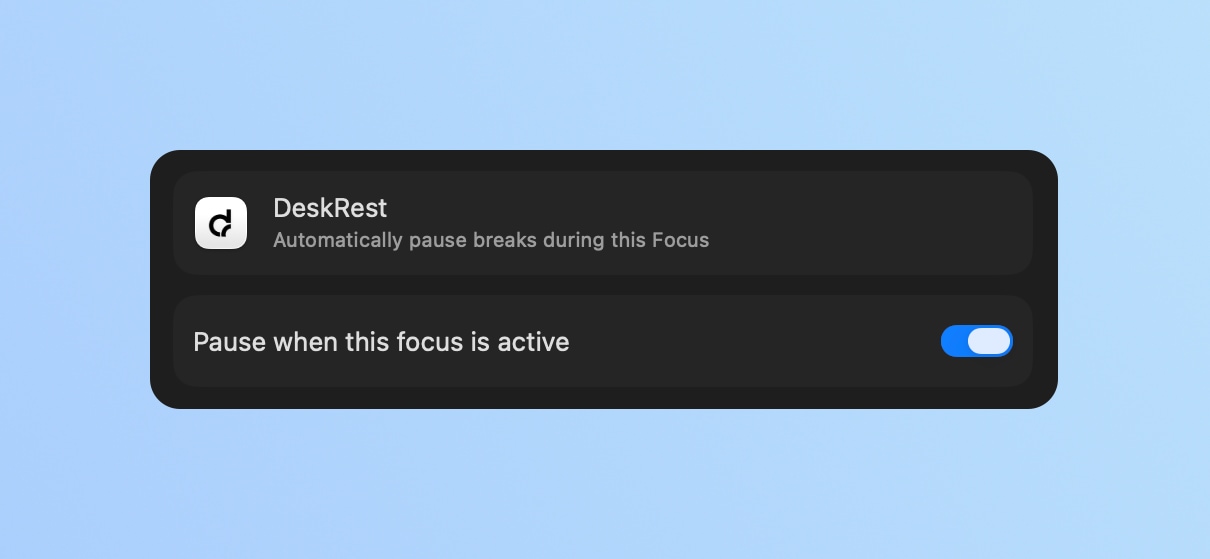
Set up Focus Filters
It only takes a minute to link DeskRest to your Focus modes:
- 1.
Open System Settings and navigate to Focus.
- 2.
Pick the mode you want to customize (like Work, Deep Work, or Gaming).
- 3.
Scroll down to Focus Filters, click Add Filter, and select DeskRest.
- 4.
Enable it, and you're good to go.
Now, the moment that Focus mode kicks in, DeskRest will quietly step into the background. Once you turn the Focus off, your break reminders will automatically resume, no extra clicks required.
Why Use Focus Filters?
- Meetings & Presentations: No more awkward break screens popping up while you're sharing your screen or in the middle of a Zoom call.
- Deep Work: If you're "in the zone," the app stays out of your way until you're ready to breathe again.
- Set it and forget it: It's one less thing to manage manually. Your environment simply adapts to what you're doing.